
Vikramaditya Shah Bundela
Architecture Tutoring with Revit, Rhino, and SketchUp Training
Loading...


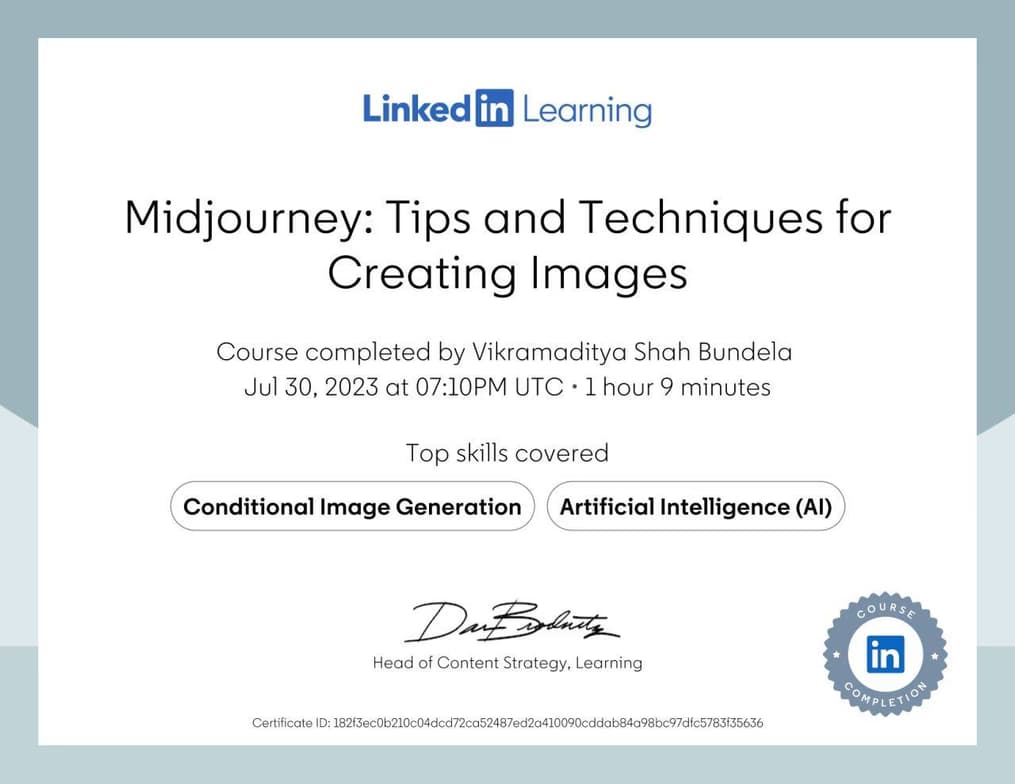




Show all photos
Vikramaditya Shah Bundela
Bachelors degree
Enroll after the free trial
Each lesson is 55 min
50 lessons
20% off
/ lesson
30 lessons
15% off
/ lesson
20 lessons
10% off
/ lesson
10 lessons
5% off
/ lesson
5 lessons
-
/ lesson
1 lessons
-
/ lesson
About your tutor
I am Vikramaditya Shah Bundela, an architect specialising in architectural design, conservation, and AI integration. With experience across three firms, I have developed diverse skills, from designing and preserving structures to training AI models for architectural applications. Teaching is a passion of mine—I have mentored students and professionals worldwide, both independently and through an architecture education startup. I am proficient in 11+ design tools, including Revit, SketchUp, Rhino 3d, and Autocad Architecture, Photoshop, InDesign, Lumion, D5 Render, Twinmotion and more. I focus on optimising architectural workflows using AI. My dissertation explored AI-driven design automation, and I continue to push the boundaries of technology in the AEC industry. I know 50+ AI tools and always strive to teach the easiest workflow possible.
Meet Vikramaditya Shah
Vikramaditya Shah graduated from Madhav Institute of Technology & Science, Gwalior
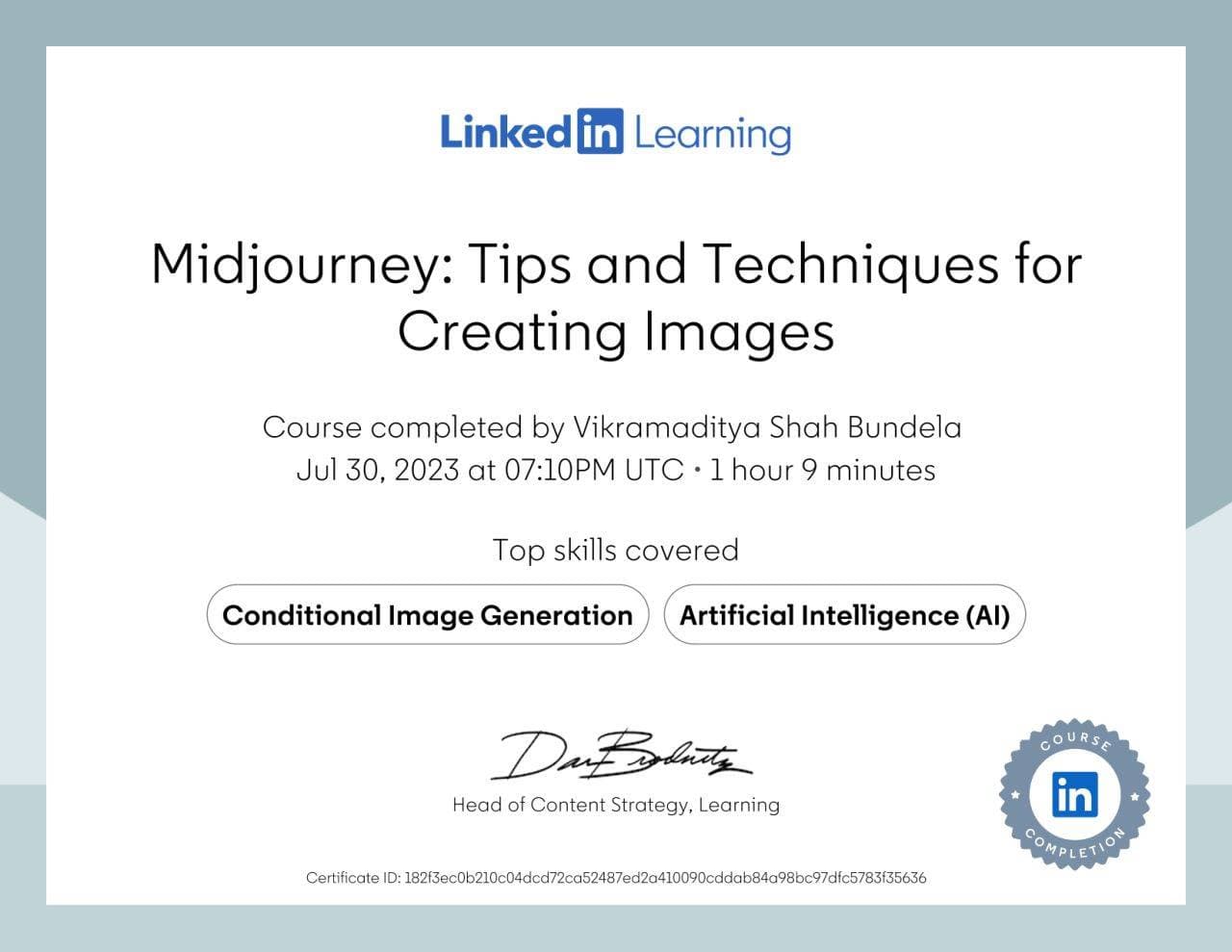
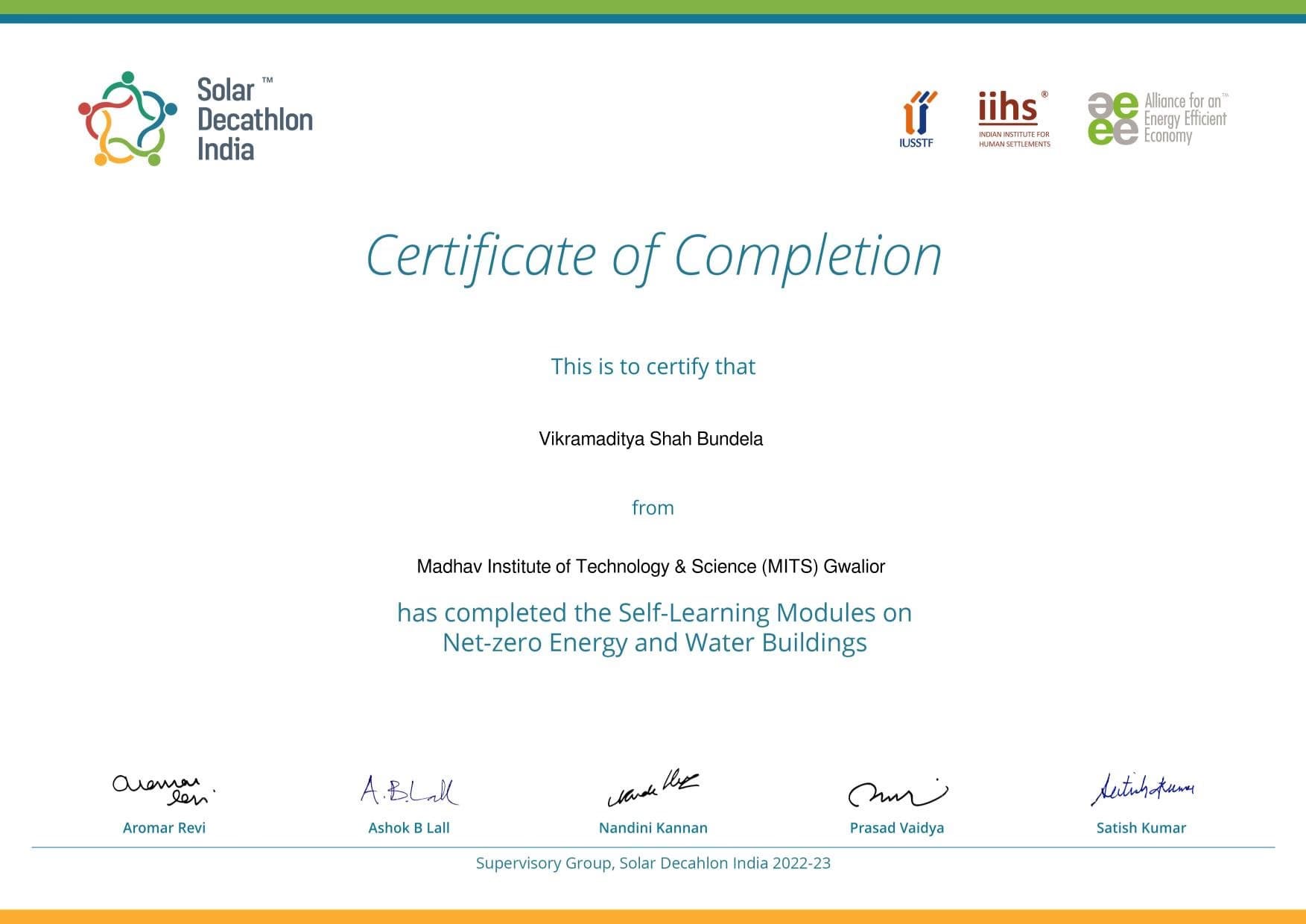
Expertise of your tutor

Portfolio Development

Technical drafting

Assignment help

3D modeling

Software training

Upskilling
Student types for class

Adult / Professional

Home schooled

All Levels

College

School

ASD

ADHD
Class overview
My teaching methodology is centred around interactive, two-way engagement, where I encourage students to actively participate and share their insights—I often learn from them as well. I believe in project-based learning and teach accordingly. I think that students should learn by doing and not just watching tutorials. I focus on teaching the most efficient and optimised workflows for architectural software, ensuring students gain practical expertise that enhances their professional capabilities. My approach emphasises hands-on learning, catering to all skill levels, from beginners to advanced professionals. I challenge students to push their boundaries, refine their skills, and strive for excellence. Teaching is a continuous learning experience for me, and my passion lies in exploring emerging tools and innovations that shape the future of architectural design.
Vikramaditya Shah - also provides training in

Architecture
AutoCAD
Revit
Rhino
SketchUp
Flexible Scheduling
Allows 1h early scheduling
Allows 1h early rescheduling
Can wait for 20 mins after joining

.svg)
10 day Refund
.svg)
Free Tutor Swap

Architecture concepts taught by Vikramaditya Shah
The class addressed persistent issues with AutoCAD software, specifically focusing on file access problems stemming from duplicate installations and licensing errors. The tutor provided guidance on managing software versions and troubleshooting license activation to restore the student's ability to work with their drawing files. The next session is scheduled for Monday to continue these efforts.
Understanding AutoCAD File Types
File Recovery in AutoCAD
AutoCAD Software Management
AutoCAD Licensing Issues
The student encountered issues accessing SketchUp, which was resolved by switching accounts. The tutor then provided an in-depth overview of SketchUp's core functionalities, including modeling tools, organizational features like groups and components, and essential plugins for advanced design. The session concluded with a plan to import existing drawings from another software for practice in the next session.
Groups vs. Components in SketchUp
The Outliner: Your Model's Index
Tags (Layers) in SketchUp
SketchUp Tools: Move
Rotate
and Scale
SketchUp Web vs. Desktop and Plugins
The Tutor and Student explored core AutoCAD functionalities, including hatching, creating groups and blocks for object management, and organizing drawings using layers. They practiced adding and modifying text annotations, with a focus on developing foundational skills in the Draw and Modify tabs for future advanced topics.
AutoCAD Hatching
Groups vs. Blocks in AutoCAD
Layers in AutoCAD
Annotations and Text in AutoCAD
The Tutor and Student reviewed SketchUp modeling techniques, including the push-pull tool for creating subdivisions and hollows, and explored advanced plugins for complex modeling. They also covered the 'Follow Me' tool and a detailed process for applying custom textures to models, with the student tasked to practice texture application before the next session.
Organizing Models with Groups and Components
SketchUp Push/Pull Tool with Option Key
SketchUp's Follow Me Tool
Seamless Textures in 3D Modeling
The tutor and student reviewed fundamental SketchUp tools, including applying materials, object rotation, and navigation. They discussed project organization through groups, components, and tags, and explored advanced tools and learning resources. The next session will focus on setting up the desktop version of SketchUp and further plugin installation.
Applying Materials in SketchUp
Using the Rotate Tool Effectively
Organizing Models with Outliner and Tags
Navigation and Viewport Control
The Tutor provided an extensive introduction to AutoCAD commands and interface settings. The Student practiced using basic drawing and modification tools, with a focus on understanding command prompts and optimizing software performance. Future practice will involve recreating shapes and clarifying command usage.
AutoCAD Snaps
Ortho Mode and Polar Tracking
Basic AutoCAD Commands
AutoCAD Settings and User Preferences
Teaching tools used for classes

Technical Drawing Tools

Drafting tools

Rendering Tools

3D Modeling

Digital Whiteboards
Training focussed classes

Open Q&A

Pets are welcomed

Weekend lessons

Record lessons

Chat for quick help

Architecture tutors on Wiingy are vetted for quality
Every tutor is interviewed and selected for subject expertise and teaching skill.