
Lata Kaushik
Your Go-To Tutor for Excel, Word and PowerPoint| Learn with Confidence and Clarity
Loading...



Show all photos
Lata Kaushik
Masters degree
Enroll after the free trial
Each lesson is 55 min
50 lessons
20% off
/ lesson
30 lessons
15% off
/ lesson
20 lessons
10% off
/ lesson
10 lessons
5% off
/ lesson
5 lessons
-
/ lesson
1 lessons
-
/ lesson
About your data science tutor
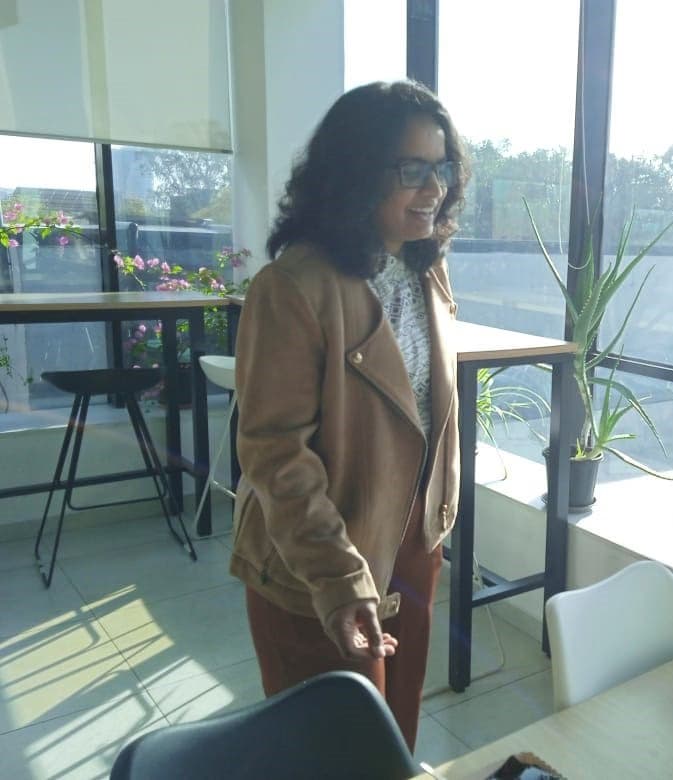
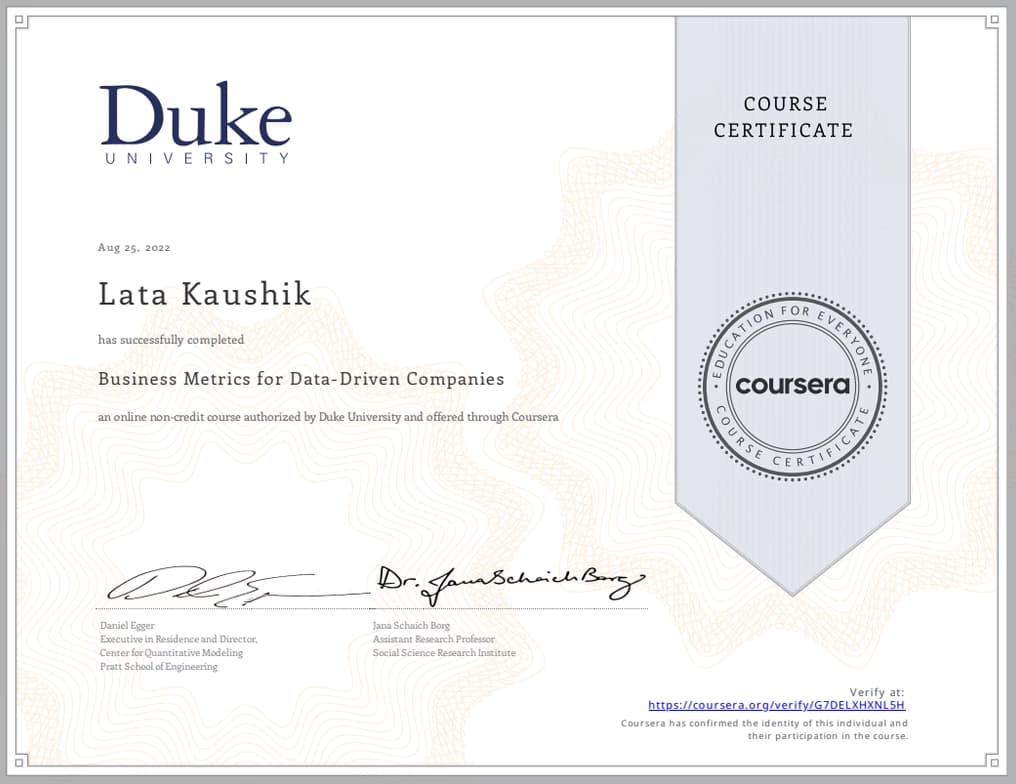
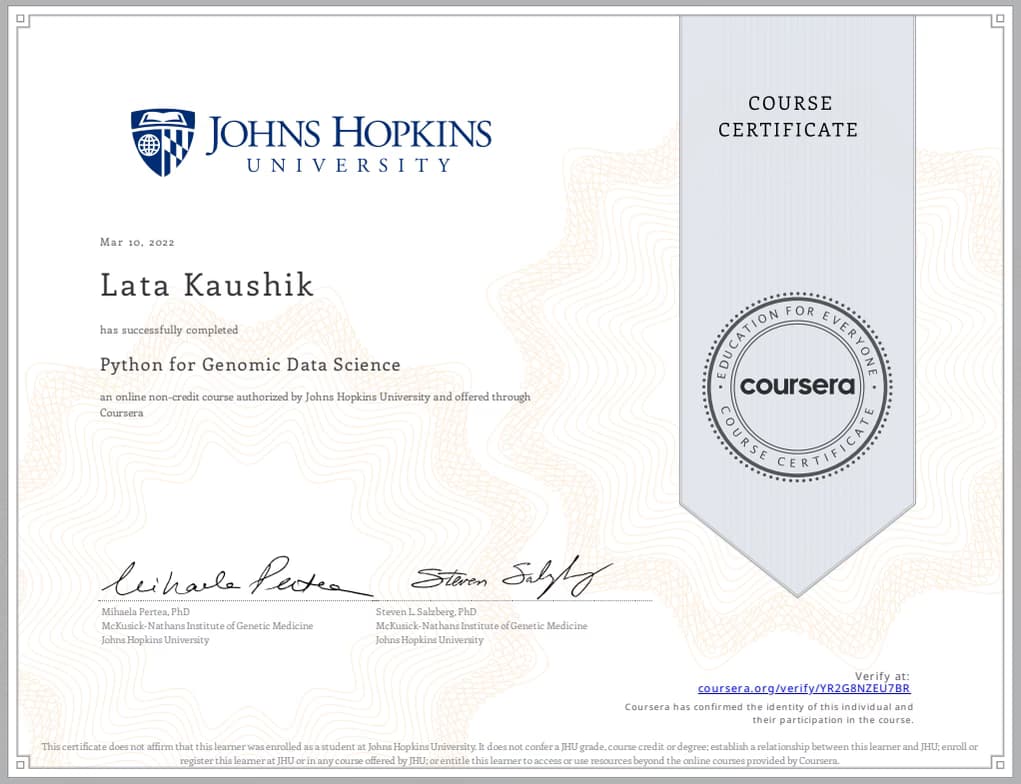
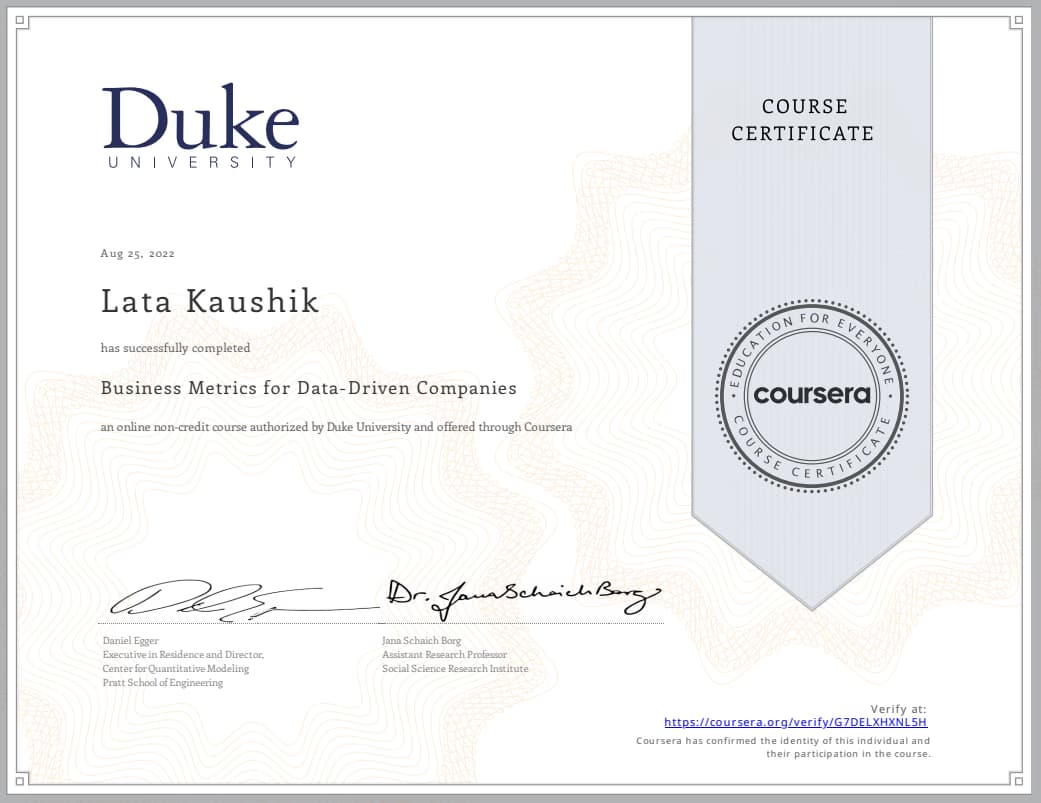
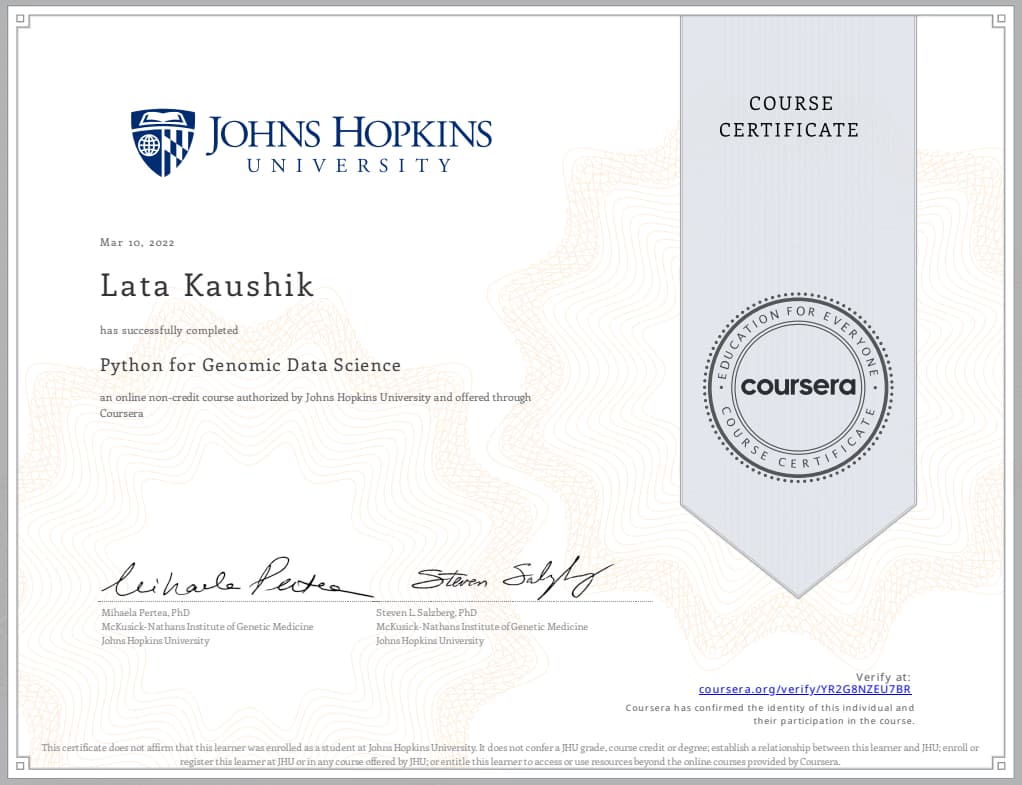
Hi, I'm Lata. I've worked with Excel for around 8-9 years. This work ranges from business analyst to research to teaching. I've been a teacher for more than a year now and have worked with multiple students all over the globe. My expertise is in business data analytics to derive meaningful results from it. I love to work with people who are beginning their journey with excel because I get to introduce them to the wonderful world of excel. Whether you're a school student, a college student needing help with anything assignment or a professional trying to leap into new domains which require Excel, I'm here to help you in your journey. I also offer assignment/task-based help. Apart from Excel, I also work with PowerPoint and Word. If you have any questions, let's connect in a demo session and understand each other. Hope to see you soon for our demo session!
Lata graduated from IIT Delhi
Data Science tutor skills

Business intelligence

Assignment help

Statistical analysis

Data visualization
Learner types for data science class

Data Science for School students
Data Science for Adults
Data Science for Beginners
Data Science for College students
Data sciece class overview
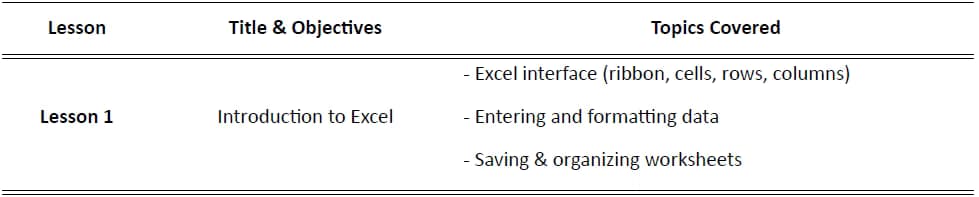
I believe learning is most effective when it’s hands-on, engaging, and connected to the real world. My teaching style blends clear explanations with interactive activities, ensuring students understand concepts rather than just memorizing them. I start with curiosity-building hooks, break topics into simple steps, and guide learners through practical projects that link theory to everyday life. I encourage questions, exploration, and independent thinking, while providing structure and support so each student feels confident and motivated to learn. We will start with your needs and what you want to achieve from these sessions during the demo. Then I will design a personalised lesson plan and share with you. This will be a dynamic plan, which can be changed if required and we will look at it from time to time to see our progress.
Flexible Scheduling
Allows 1h early scheduling
Allows 1h early rescheduling
Can wait for 20 mins after joining

.svg)
10 day Refund
.svg)
Free Tutor Swap

Data Science concepts taught by Lata
The Tutor and Student reviewed Excel functions, focusing on `UNIQUE`, `SUMIF`, and `SUMIFS` for data analysis. They practiced applying these functions, including proper range fixing, and discussed the advantages of `SUMIFS` over pivot tables for multi-conditional analysis. They planned to continue with the Student's examples in the next session.
Pivot Tables vs. SUMIFS for Data Analysis
Absolute and Relative Cell References (Fixing Ranges)
SUMIF and SUMIFS Functions
UNIQUE Function
The Student and Tutor worked on refining an Excel proficiency scorecard. They discussed structuring the scorecard for longitudinal tracking, implementing dynamic referencing with the `INDIRECT` function, and explored different chart types like radar charts for data visualization. The session concluded with a plan for the Student to complete the scorecard template.
Excel Formula Resilience
Data Visualization for Performance
Data Management for Scorecards
Proficiency Scorecard Structure
The student and tutor reviewed basic Excel functionalities including ribbon navigation, data formatting, conditional formatting, and filtering. They then delved into formulas and functions, specifically focusing on SUM, SUMIF, and SUMIFS to address challenges with filtered data and multi-conditional sums, planning to practice these in future sessions.
Data Formatting and Consistency
Conditional Formatting
Filtering Data
Excel Formulas vs. Functions
SUMIF and SUMIFS Functions
The student and tutor worked on designing and implementing a proficiency scorecard template in a spreadsheet application. They addressed formula creation for averaging scores and discussed various organizational structures for tracking employee performance over time, including how to integrate action plans into the scorecard.
Workbook and Sheet Management for Reviews
Tracking Performance Over Time
Calculating Averages in Spreadsheets
Proficiency Scoring and Interpretation
Scorecard Template Design
Dynamic Chart Updates with Linked Data
Efficient Excel Sheet Management: Copying and Linking
Excel Graph Customization: Axes and Labels
Excel Conditional Formatting for Task Completion
The student and tutor worked on building a dynamic progress tracking system in Excel. They focused on creating formulas for calculating task completion, generating visual progress charts, and organizing employee workflow data across different time phases. The next session will involve working on a team lead dashboard.
30-60-90 Day Workflow Template
Dynamic Data Visualization with Formulas
Spreadsheet Best Practices: Avoiding Merged Cells in Formulas
Dynamic Charting for Progress Reporting
Teaching tools used by data science tutor

Jupyter Notebook
Interactive data science classes

Open Q&A

Weekend lessons

Chat for quick help

Record lessons

Parent feedback

Data Science tutors on Wiingy are vetted for quality
Every tutor is interviewed and selected for subject expertise and teaching skill.