
bhavleen rayat
Architectural Wizard: Crafting Creative Designs in Revit and SketchUp
Loading...



Show all photos
bhavleen rayat
Bachelors degree
Enroll after the free trial
Each lesson is 55 min
50 lessons
20% off
/ lesson
30 lessons
15% off
/ lesson
20 lessons
10% off
/ lesson
10 lessons
5% off
/ lesson
5 lessons
-
/ lesson
1 lessons
-
/ lesson
About your tutor
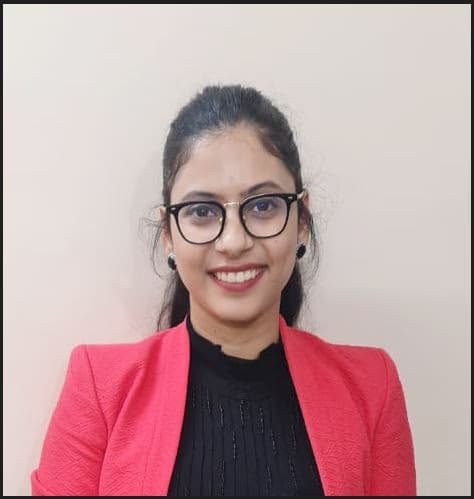
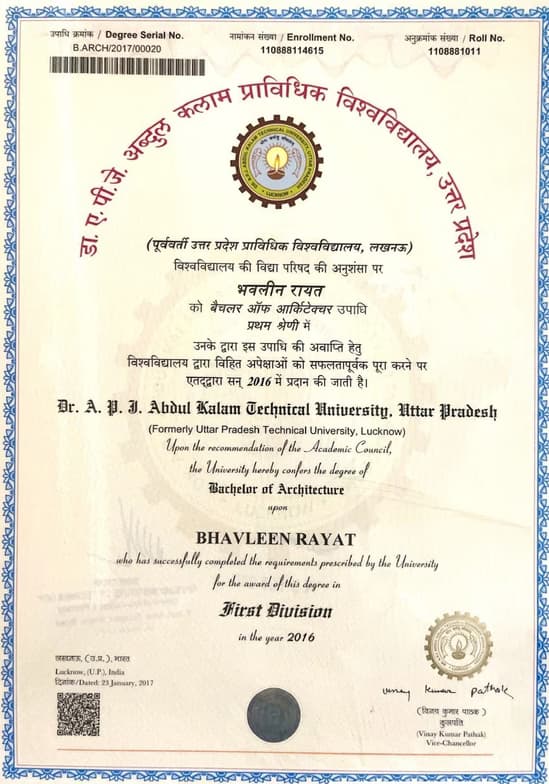
I have completed my bachelor of Architecture in 2016.since then i have been working as an Bim architect.I have worked mainly on the projects based out of US,Middle East,UK,Canada,Australia. I am also registered with council of architecture India and an accredited professional in IGBC (regulation body for green building). Iam certified Autodesk Revit professional. I do consider myself really great at understanding the problem in the projects and rectifying it at an excellent level.I am proficient in Softwares like Autocad,Revit ,sketchup ,escape .
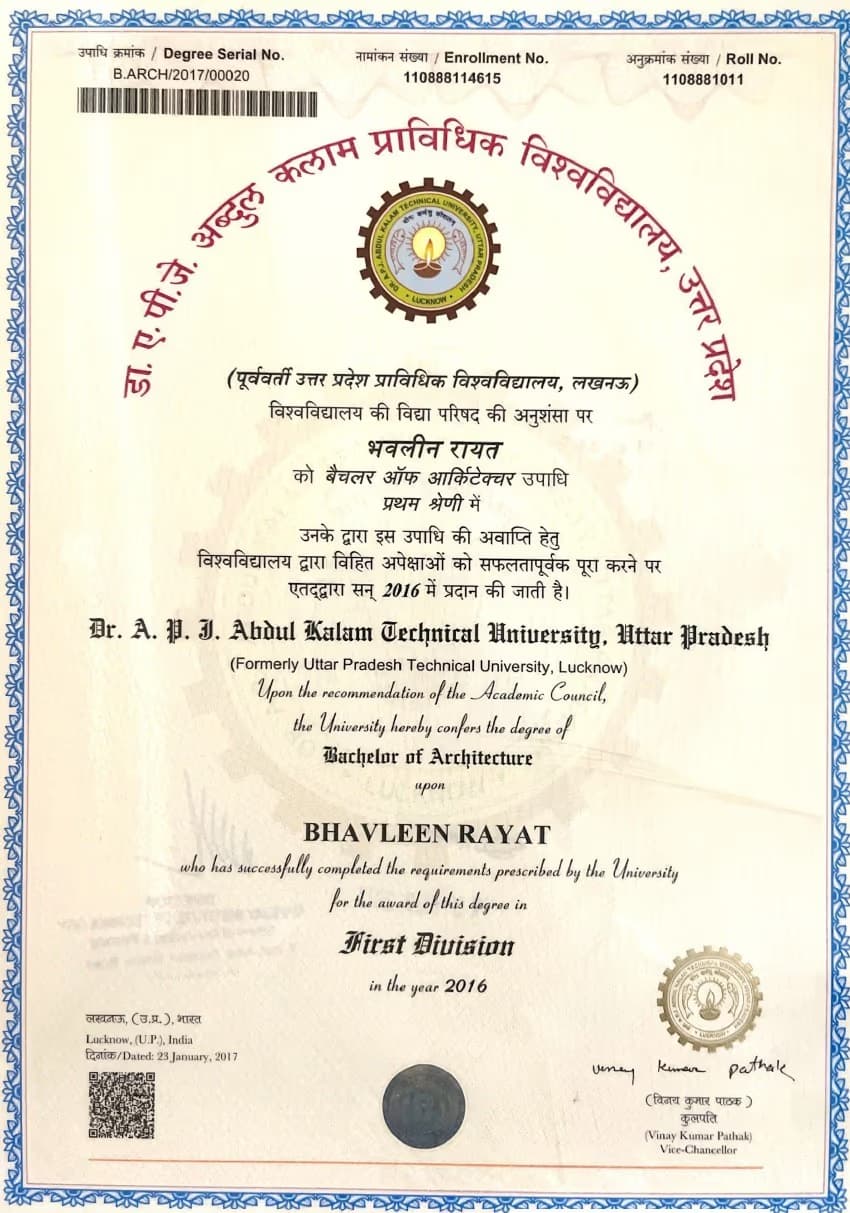
bhavleen graduated from Dr. A. P. J. Abdul Kalam Technical University

Expertise of your tutor

Upskilling

Assignment help

Technical drafting

Exam prep

3D modeling
Student types for class

ADHD

School

Adult / Professional

Home schooled

Learning Disabilities

ASD

College

All Levels

Anxiety or Stress Disorders
Class overview
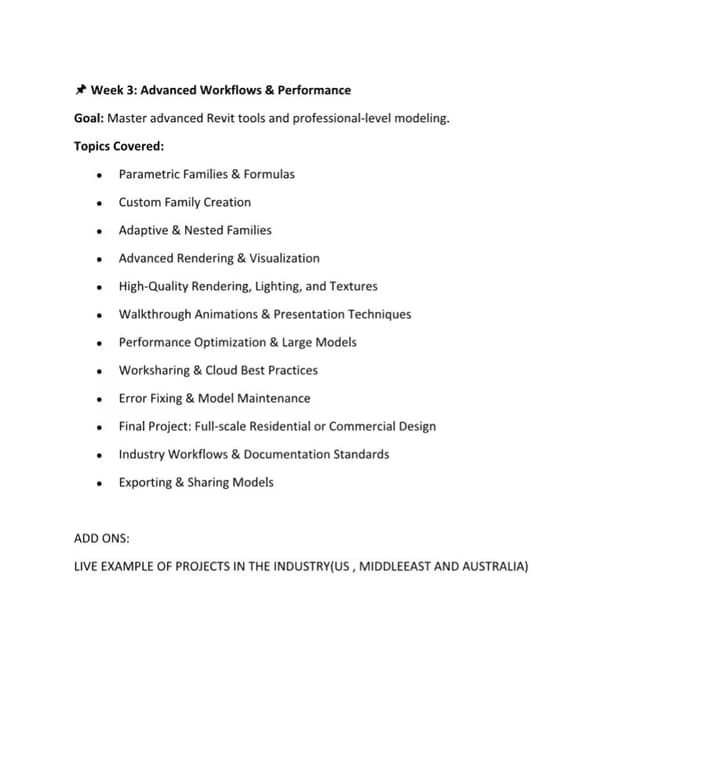
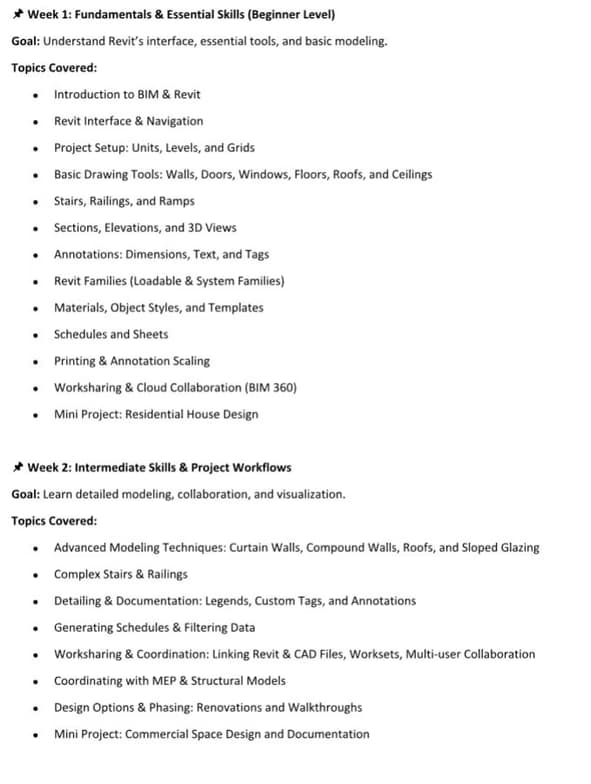
Whether you're a beginner or looking to refine advanced techniques, I adapt the pace and content to maximize your learning experience. 🧭 Personalized Learning Path Begin with a short assessment to understand your current level, learning objectives, and preferred workflow. Tailor the sessions to align with your academic needs, professional projects, or software certification goals. 💻 Live, Interactive Sessions Use screen sharing and real-time modeling to guide you step-by-step. Encourage active participation—students build along with me to reinforce learning. Sessions are recorded (optional) so you can revisit complex concepts at your own pace. 🧱 Project-Based Learning Work on complete mini-projects (e.g., residential units, commercial interiors, fit-outs). Apply concepts in real-world contexts—layouts, modeling, annotations, and construction documents. ⚙️ Tool Mastery & Best Practices Teach clean model practices, template setup, file linking, and parametric family creation. Share industry workflows used in firms, including worksets, phasing, and collaboration strategies. 🧩 Flexible & Adaptive Sessions are scheduled based on your availability. I adjust depth and content based on progress—spending more time on areas where you need support. 📈 Progress Reviews & Support Periodic reviews to track your growth and confidence. Provide exercises, cheat sheets, and follow-up support between sessions via email or shared drive.
bhavleen - also provides training in

Architecture
AutoCAD
Revit
Flexible Scheduling
Allows 1h early scheduling
Allows 1h early rescheduling
Can wait for 20 mins after joining

.svg)
10 day Refund
.svg)
Free Tutor Swap

Architecture concepts taught by bhavleen
The tutor provided guidance on using Revit for kitchen design, focusing on schedule formatting and title block customization, including adding issue dates. They also addressed technical issues like adjusting wall heights and levels and discussed strategies for managing project views. The session concluded with scheduling the next meeting to further address project-specific challenges.
Revit Title Blocks and Revisions
Revit Levels and Wall Constraints
Duplicating Views vs. Using Callouts/Enlarged Plans
Revit Schedule Formatting
The tutor and student worked on refining AutoCAD drawing standards, focusing on dimensioning and annotation based on instructor feedback. They practiced correcting dimension styles, layering, and labeling specific architectural features like skylights, with a plan to apply these corrections systematically.
Dimension Line Styles and Layers in CAD
Object Properties and Selection in CAD
Annotation and Labeling in CAD Drawings
The student practiced placing and aligning structural grids and columns in Revit based on an imported reference image. They also adjusted existing walls and stairs, and planned to confirm column placement with the professor before adding beams. The next session will continue this work.
Revit Grid Placement and Adjustment
Structural Column Placement in Revit
Revit Image Import and Reference
Adjusting Element Properties (Base/Top Level)
The student and tutor worked on organizing and cleaning up architectural design project files, specifically addressing issues with viewports, text annotations, and content consistency between upper and lower level models. They practiced techniques for correcting overlapping elements and aligning content across different sheets and views, preparing for project submission.
Viewport Scaling and Cropping
Managing Legends and Finishes in Revit
Annotation and Tag Management
Sheet Management and Layout
The student and tutor worked on refining Revit model elements, including adjusting wall heights and organizing legends. They practiced using detail lines to represent cabinet and drawer openings and learned how to properly annotate elements with codes and leaders for sheet presentation.
Organizing Legends for Clarity
Annotating with Leaders and Text
Creating Detail Lines and Symbols for Drawings
Adjusting Object Heights in 3D Modeling
Managing Views and Tiling in Design Software
The student and tutor worked on advanced Revit modeling techniques. They focused on managing project phases to distinguish between existing and new construction, creating custom wall types with detailed material layers, and implementing strategies for detailed floor construction using beam systems. The session also covered applying finishes and controlling view visibility based on phasing.
Phasing in Revit
Wall Creation and Editing
Beam Systems and Floor Assemblies
Applying Finishes with Paint Tool
Teaching tools used for classes

Digital Whiteboards

BIM Software

Rendering Tools

3D Modeling

Drafting tools
Training focussed classes

Note taking

Pets are welcomed

Chat for quick help

Parent feedback

Weekend lessons

Architecture tutors on Wiingy are vetted for quality
Every tutor is interviewed and selected for subject expertise and teaching skill.