
Steven Lawrence
Coding Tutor from Thomas College - Python Lessons for Kids
Loading...


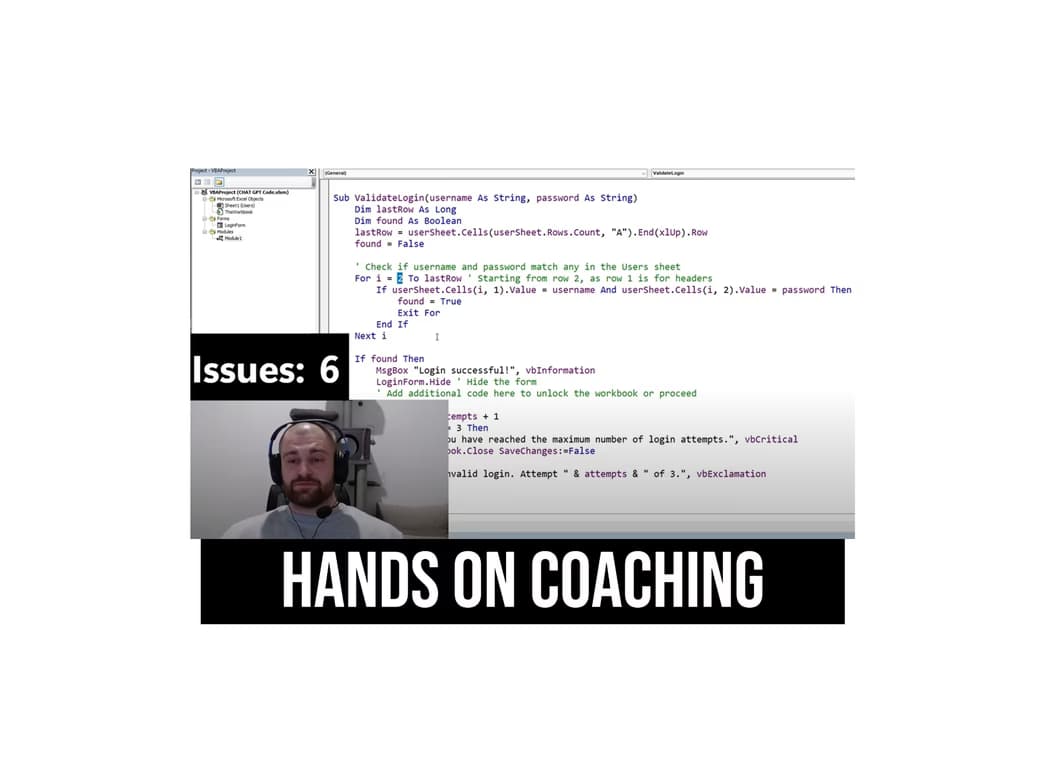

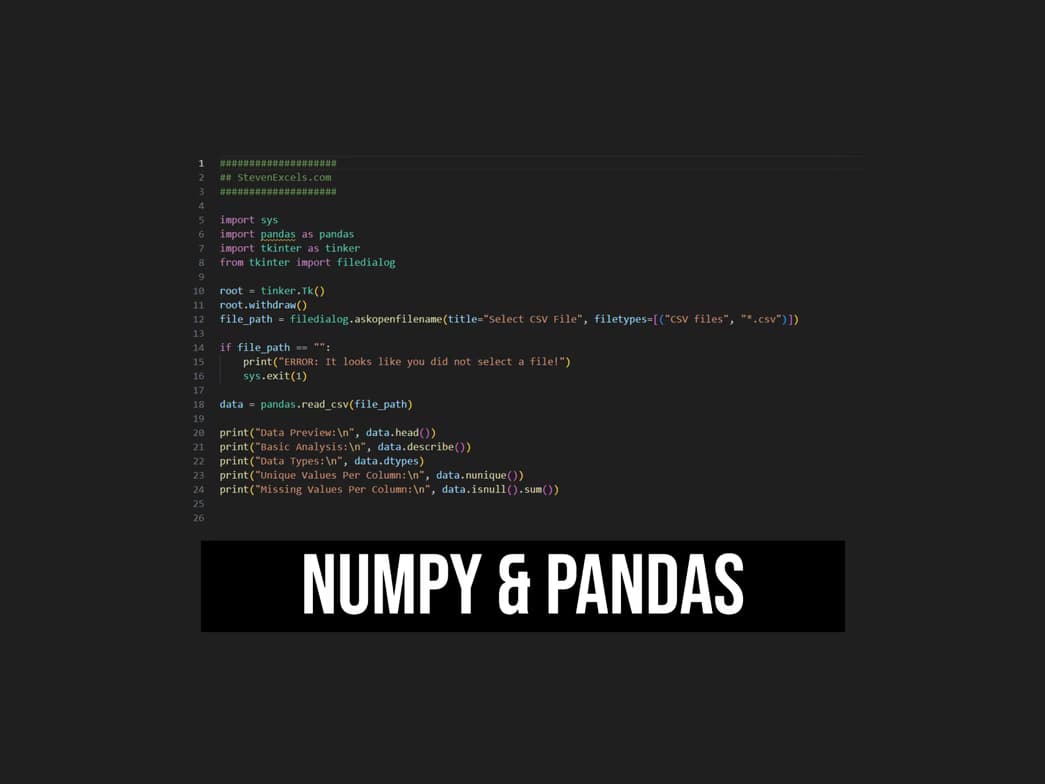
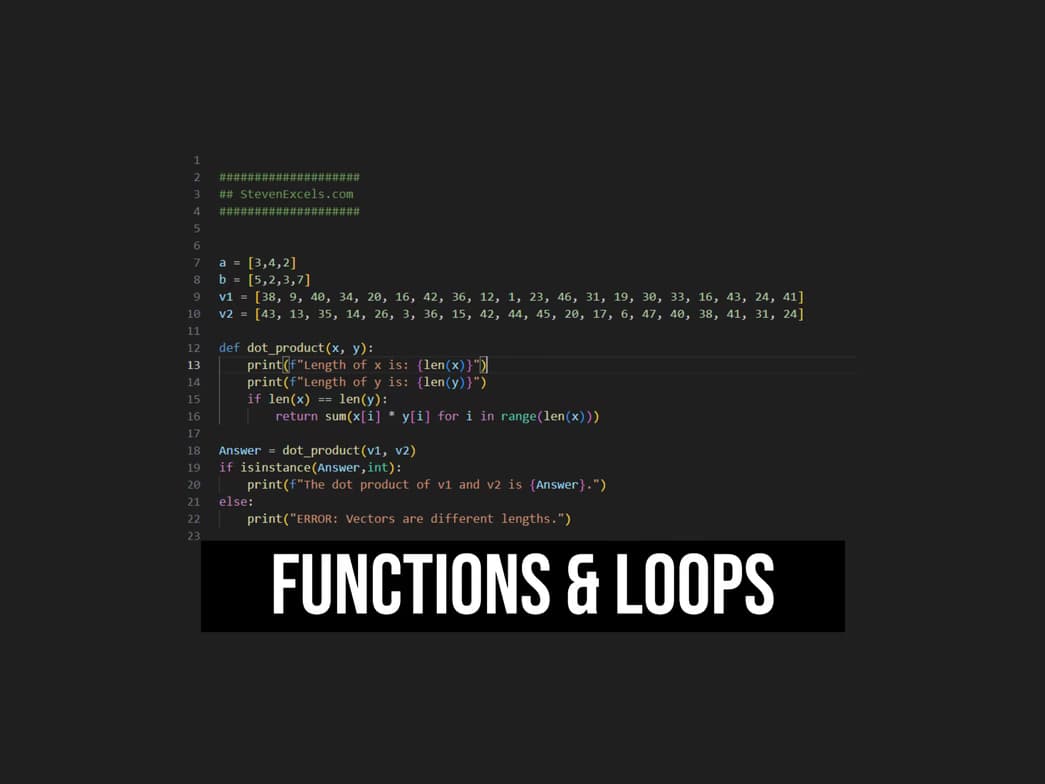
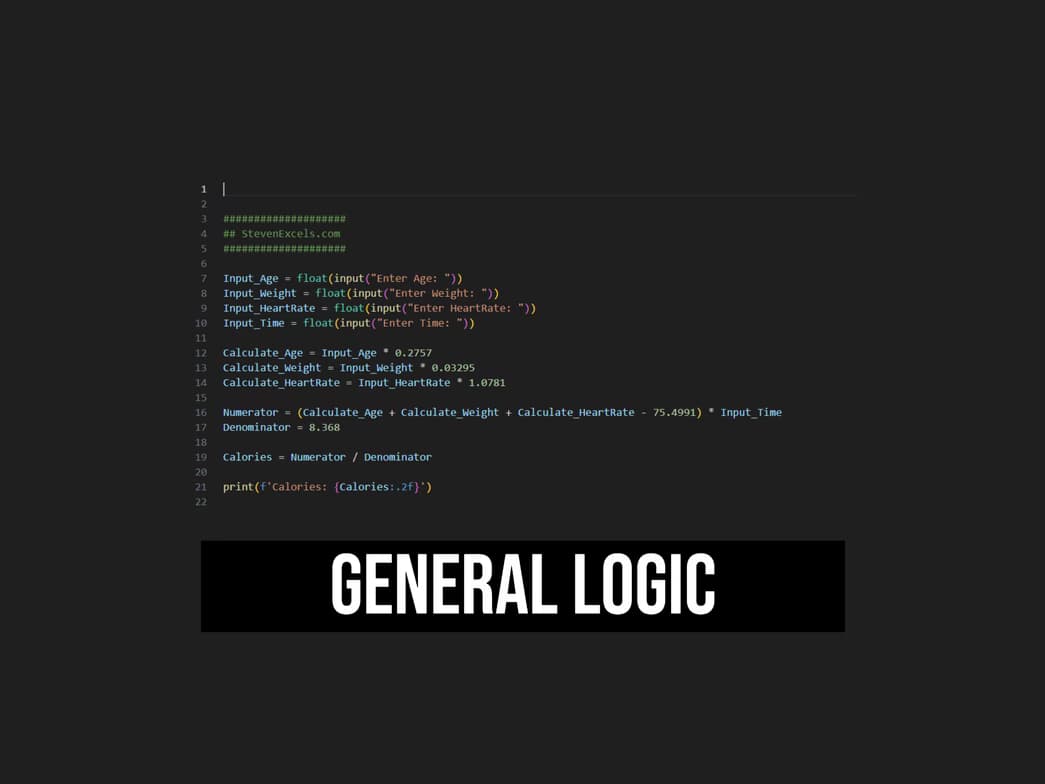
Show all photos
Steven Lawrence
Bachelors degree
Enroll after the free trial
Each lesson is 55 min
50 lessons
20% off
/ lesson
30 lessons
15% off
/ lesson
20 lessons
10% off
/ lesson
10 lessons
5% off
/ lesson
5 lessons
-
/ lesson
1 lessons
-
/ lesson
About your coding tutor - Steven
I am an experienced programmer with a passion for problem-solving and software development. With years of coding experience across multiple languages, including Python, I specialize in breaking down complex problems into clear, logical steps. My ability to analyze challenges and develop efficient solutions has helped me create robust applications, automate tasks, and optimize workflows. One of my key strengths is visualizing code execution—understanding how each function interacts within a system before implementation. This skill is especially valuable in Python, where data structures, algorithms, and logic flow play a critical role in building scalable solutions. I teach my students how to think beyond individual lines of code, helping them develop a strategic mindset for efficient programming. My structured six-lesson series is designed to prepare students for professional coding roles. Whether you’re aiming to start a career in tech or refine your programming skills, my approach ensures you gain a deep understanding of problem-solving strategies, debugging techniques, and real-world applications—especially in Python, one of the most versatile and powerful languages in the industry. If you’re looking for a tutor who can simplify programming, strengthen problem-solving abilities, and help you visualize what happens when code is executed, I’d love to work with you!
Coding tutor specialities

Upskilling

Assignment help

Homework help

Code Review

Project help

Code Optimization
Learner types for coding classes

Coding for College students
Coding for Kids
Coding for Beginners
Coding for School students
Coding for Adults
Coding class highlights
Programming is more than just writing code—it’s about designing solutions that are efficient, scalable, and adaptable. While implementation is important, code design is the foundation of a well-structured program. A strong design ensures code remains maintainable and capable of handling real-world challenges. I structure my teaching approach around three key steps: WHAT, WHY, and HOW. WHAT – We define the problem and establish business rules that shape the project. Clear objectives ensure smart design choices. WHY – We analyze the purpose behind each function or system. Understanding why a solution is needed guides decision-making. HOW – With the what and why established, we write clean, optimized code with confidence, prioritizing architecture over rushed implementation. I foster a relaxed, interactive learning environment where students feel comfortable asking questions and developing creative solutions. My lessons are project-based, focusing on topics that genuinely inspire each student—whether it's automation, data analysis, or web applications using Python. By prioritizing code design first, students gain the ability to visualize how their code functions before writing it. This leads to cleaner, more efficient programs that stand the test of time. My goal is to help students master the thought process behind coding, ensuring long-term success in any tech career.

Hands-on learning
Students gain confidence applying coding skills to real projects.

Paired coding for effective learning
90% of students benefit from collaborative lessons.

Proven success with code projects
85% of students complete personal projects in a few months.
Steven - Coding tutor also teaches

Coding for kids
SQL
Flexible Scheduling
Allows 1h early scheduling
Allows 1h early rescheduling
Can wait for 20 mins after joining

.svg)
10 day Refund
.svg)
Free Tutor Swap

Coding concepts taught by Steven
The Student and Tutor explored methods to improve the presentation and analysis of audit data using Excel. They focused on transforming raw data into user-friendly reports with visual indicators and discussed strategies for creating new tracking spreadsheets with automated calculations and conditional formatting.
Excel for Reporting & Visualization
Data Visualization for Comparison
Streamlining Data Entry & Analysis
Structuring Data for Audit Tracking
The student and tutor focused on improving Excel performance by addressing issues with conditional formatting and practicing advanced pivot table creation. They explored methods to troubleshoot crashing files, optimize data analysis through pivot tables, and implement calculated fields for richer insights. The session concluded with plans to continue these Excel skills in the following week.
Conditional Formatting and Performance
Pivot Table Creation and Manipulation
Excel File Performance Issues
The Student and Tutor reviewed essential Excel skills, beginning with data import and structure using the 'Text to Columns' feature. They then focused on transforming data ranges into Excel Tables, highlighting the benefits of tables for data management, filtering, sorting, and dynamic formulas. The session concluded with an introduction to basic formulas and conditional functions like SUM and SUMIFS.
CSV Data Import and Text to Columns
Excel Functions vs. Formulas
Sorting and Filtering Data
Data Formatting and Data Types
Excel Tables vs. Ranges
The student and tutor reviewed and optimized Excel formulas, distinguishing between functions and formulas. They practiced using `SUMIF` and addressed errors related to incorrect arguments and data structure, with the student assigned homework to correct specific formulas using relative references and avoiding hardcoding.
Understanding SUMIF Arguments and Errors
Functions vs. Formulas in Excel
Optimizing Calculations: Avoiding Unnecessary Functions
Hardcoding vs. Relative References
Data Structure and Analysis Separation
The Student and Tutor discussed advanced Excel functions for HR data analysis. The Student learned about using named ranges and dynamic tables for efficient data updating, as well as `SUMIFS` and `COUNTIFS` for data aggregation based on multiple criteria. The next steps include practicing these functions and building summary tables with dropdown filters based on a sample project.
Excel Tables for Dynamic Data
Named Ranges in Excel
SUMIFS Function for Conditional Summation
COUNTIFS Function for Conditional Counting
If Statements and Logic in Excel
Filter Function to reduce duplicated outputs
Unique Function for distinct rows
The Tutor guided the Student through using `IFS`, `SEARCH`, `ISNUMBER` and `VLOOKUP` in Excel to extract data based on a priority and assign compliance values. The Student reviewed initial steps, including cleaning and sorting data using `TEXTJOIN` and `FILTER` functions. The Student will review a previous lesson with their instructor on Tuesday, but requested an extension to include this lesson as well.
Text Join and Filter Function
Cleaning Data for Exact Matches
VLOOKUP for Data Extraction
ISNUMBER Function
IFS Function with Search
Approach & tools used by coding tutor

Jupyter Notebook

Google Colab

Visual Studio Code
Hands-on coding classes

Open Q&A

Parent feedback

Weekend lessons

Note taking

Chat for quick help

Programming tutors on Wiingy are vetted for quality
Every tutor is interviewed and selected for subject expertise and teaching skill.