
Ar.Prakrati Sharma
Architecture Tutor at [University Name] | 3D Modelling, Urban Design & Planning
Loading...





Show all photos
Ar.Prakrati Sharma
Bachelors degree
Enroll after the free trial
Each lesson is 55 min
50 lessons
20% off
/ lesson
30 lessons
15% off
/ lesson
20 lessons
10% off
/ lesson
10 lessons
5% off
/ lesson
5 lessons
-
/ lesson
1 lessons
-
/ lesson
About your tutor
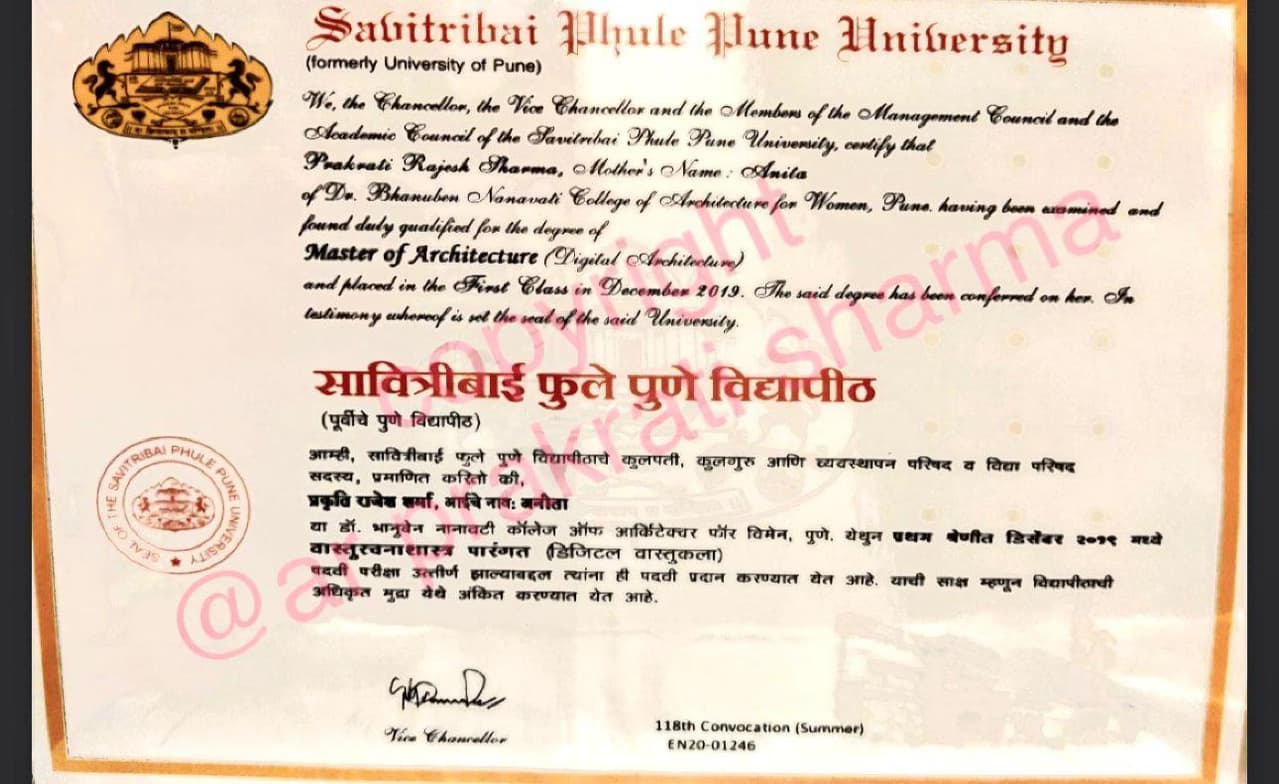
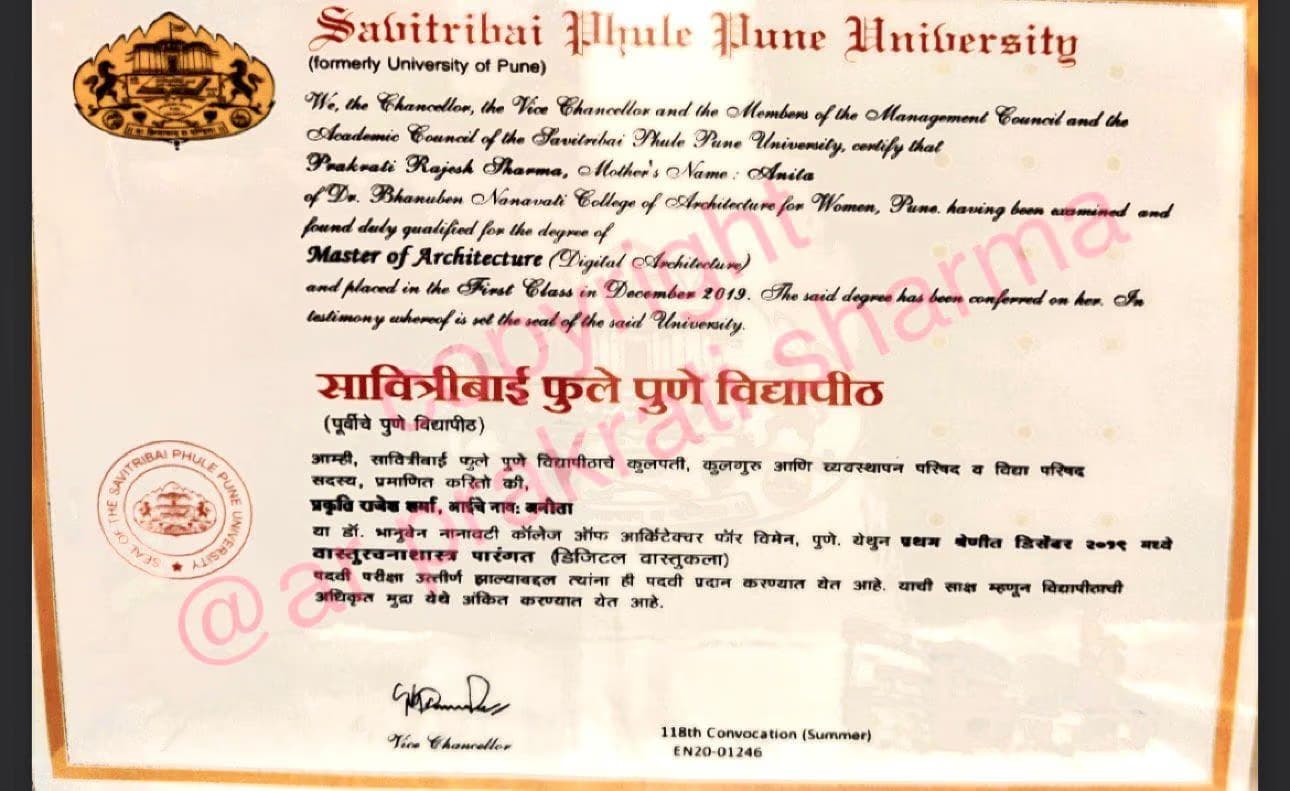
Hi there! I'm Ar. Prakrati Sharma, an experienced tutor specializing in Architecture and CAD. With a Masters in Digital and Parametric Architecture, my teaching philosophy revolves around making complex concepts easy to understand. I engage students by incorporating real-world examples and interactive sessions to ensure effective learning. Whether you're in school, college, or a professional, I'm here to support students of all levels in Rhino, SketchUp, ArchiCAD, Architecture, and AutoCAD. Let's embark on this learning journey together!
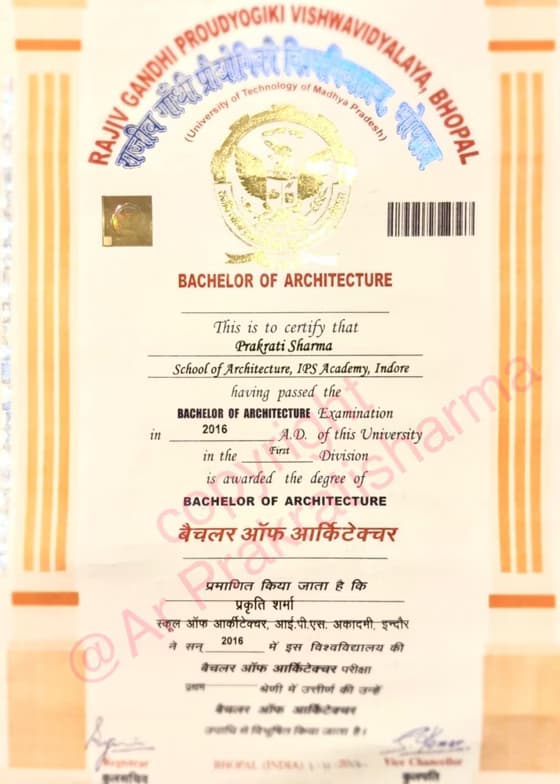
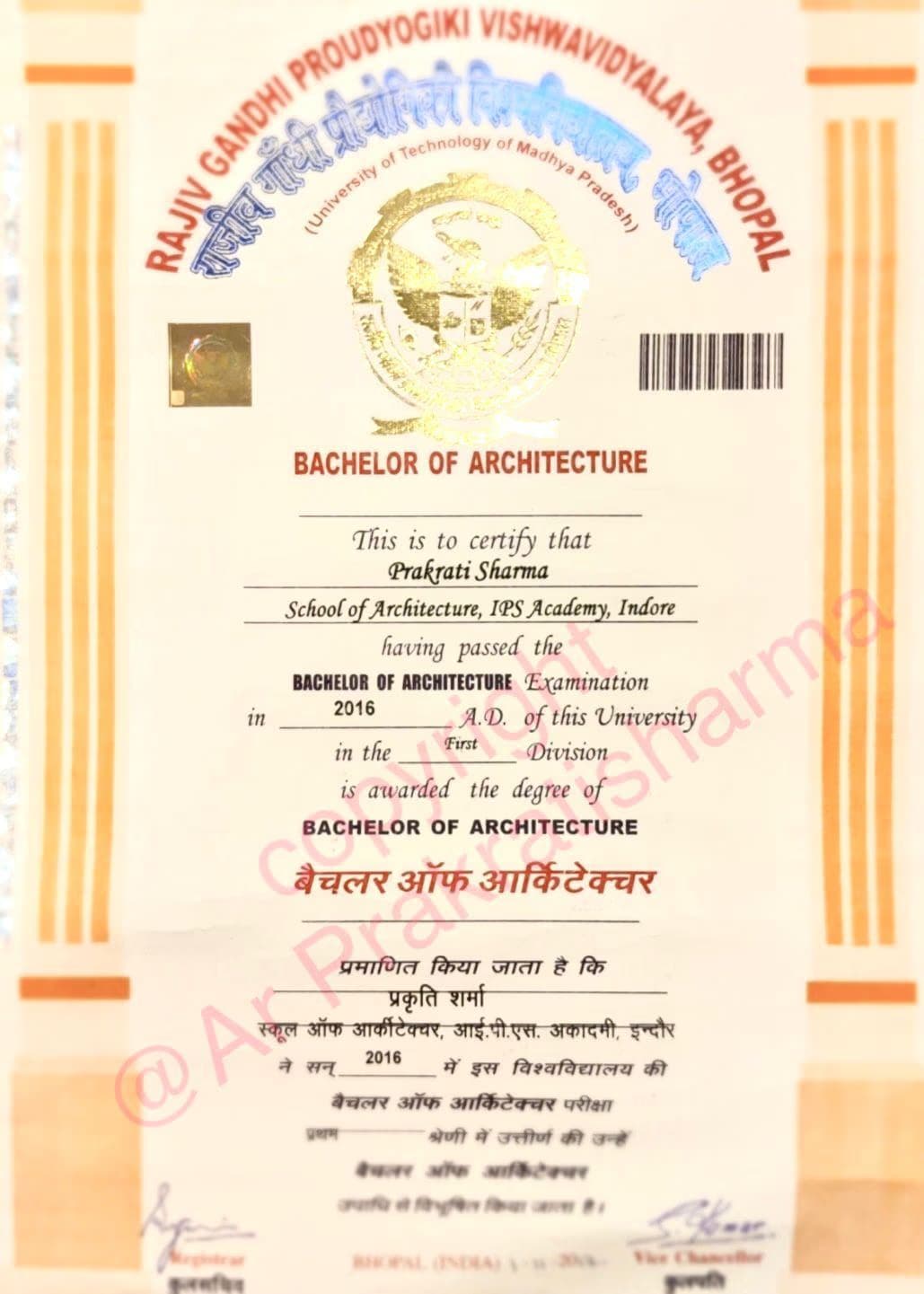
Ar.Prakrati graduated from School of architecture , IPS Academy
Expertise of your tutor

Australian Curriculum (AU)

Career guidance

Technical drafting

Provincial-specific curriculum (CA)

Assignment help

Portfolio Development

State-Specific Standards (USA)

GCSE (UK)

Software training

Next Generation Science Standards - NGSS (USA)

3D modeling

New Zealand Curriculum - NZC (NZ)
Student types for class

Architecture for intermediate

ASD
Architecture for advanced

ADHD

Learning Disabilities
Architecture for beginners

Home schooled

Anxiety or Stress Disorders
Class overview
As a Rhino, SketchUp, ArchiCAD, AutoCAD tutor, I specialize in teaching students of all levels - from school to college to adult/professional learners. My teaching style is engaging, collaborative, adaptable, and patient. I focus on problem-solving and tailor my approach to each student's individual needs. Through project-based assessments and detailed design briefs, I help students develop a strong portfolio for a successful career in architecture. By evaluating their design skills and creating personalized learning plans, I have assisted students in gaining admission to top architecture schools and securing internships in architecture and design firms.
Ar.Prakrati - also provides training in
ArchiCAD
Architecture
AutoCAD
Rhino
SketchUp
3D Modelling
Flexible Scheduling
Allows 1h early scheduling
Allows 1h early rescheduling
Can wait for 20 mins after joining

.svg)
10 day Refund
.svg)
Free Tutor Swap

Architecture concepts taught by Ar.Prakrati
The student practiced using AutoCAD commands to create detailed drawings of furniture (chair, fireplace) and title blocks with attributes. They learned about W blocks, layer management, viewport setup for printing, and dimensioning techniques in paper space. The next session will continue with dimensioning and potentially other related AutoCAD tasks.
Viewport and Paper Space Management
WBLOCK and Block Creation in CAD
Working with Dimensions: Absence and Application
Layer Management in CAD
The student and tutor worked through a practical exercise in AutoCAD, focusing on setting up a custom layout tab, determining appropriate scales, and applying various dimensioning techniques to a floor plan. They discussed how to set dimension styles and managed overlapping dimensions using dimension breaks, while also planning to seek clarification on specific interior dimensioning requirements.
Dimensioning Strategies
Layout and Scaling
Attribute Definitions
Blocks vs. WBLOCKs
The student and tutor worked on tracing a vanity image in AutoCAD, accurately scaling it to specified dimensions, and converting it into a reusable block. They practiced various AutoCAD commands for drawing, dimensioning, scaling, and block creation, with the goal of building a personal design library.
Image Tracing in AutoCAD
Dimensioning and Unit Conversion in AutoCAD
Working with Layers in AutoCAD
Creating Reusable Blocks in AutoCAD
The session focused on advanced SketchUp techniques for designing a detailed wardrobe. The student practiced creating 3D models, incorporating elements like drawers, shelves, and doors, and learned about managing components, applying textures, and exporting designs. The student is tasked with replicating the wardrobe design for the next session.
Wardrobe Design Workflow in SketchUp
Using Tags for Organization and Presentation
Applying Materials and Textures
Modeling Techniques: Groups and Components
SketchUp Basics: Unit Setup and Scene Management
The student and tutor worked through advanced dimensioning techniques in AutoCAD, focusing on setting up dimension styles, applying various dimension types, and utilizing tools like dimension break. They also practiced adjusting print settings and plot styles to ensure correct drawing output, with plans to continue practicing these skills.
Scale and Plotting in CAD
Layer Management and Plotting Settings
Dimensioning Techniques in CAD
Dimensioning Styles in CAD
The tutor and student worked on applying and configuring dimensioning tools in architectural drafting software. They practiced setting up dimension styles for clarity and used linear and continuous dimension commands to measure drawing elements, then reviewed how to properly preview and export the drawing as a PDF.
Creating PDFs for Submission
Continuous Dimensioning
Model Space vs. Paper Space
Dimensioning in CAD
Teaching tools used for classes

Rendering Tools

Technical Drawing Tools

Presentations

Quizzes

Digital Whiteboards

Drafting tools

Digital whiteboard
Training focussed classes

Parent feedback

Record lessons

Mobile joining

Chat for quick help

Note taking

Architecture tutors on Wiingy are vetted for quality
Every tutor is interviewed and selected for subject expertise and teaching skill.